
表格自定义样式显示
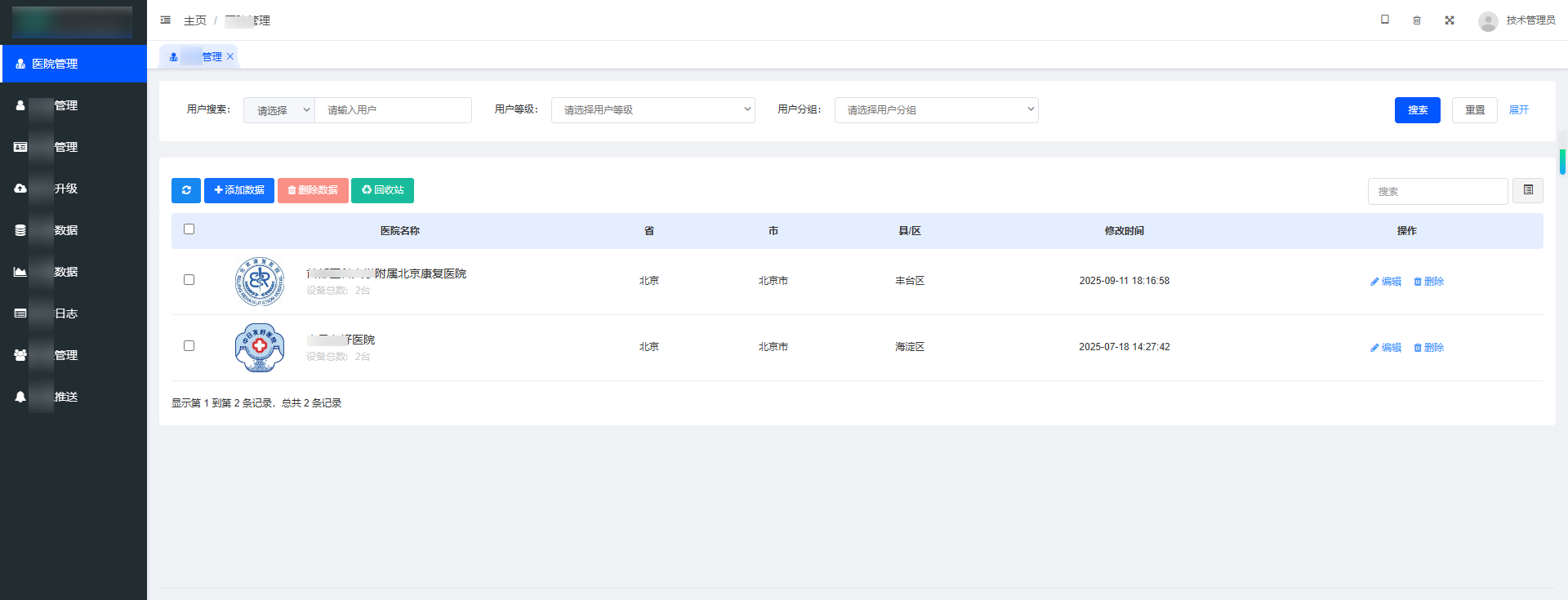
如果要点击图片放大预览用fastadmin自带的事件是不行了,需要自己定义事件
第一步:在backend-init.js文件中添加如下代码:
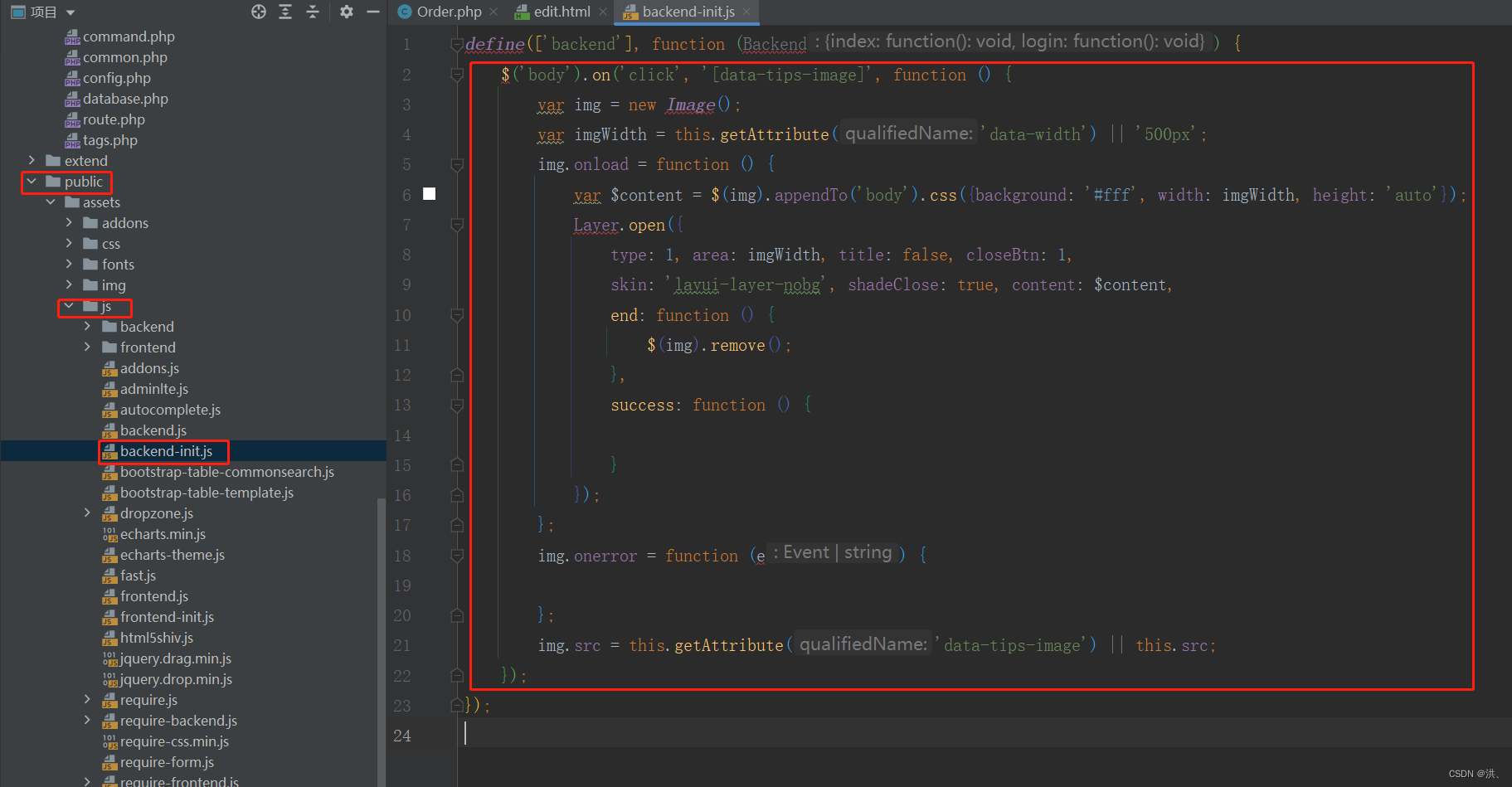
    $('body').on('click', '[data-tips-image]', function () {
        var img = new Image();
        var imgWidth = this.getAttribute('data-width') || '500px';
        img.onload = function () {
            var $content = $(img).appendTo('body').css({background: '#fff', width: imgWidth, height: 'auto'});
            Layer.open({
                type: 1, area: imgWidth, title: false, closeBtn: 1,
                skin: 'layui-layer-nobg', shadeClose: true, content: $content,
                end: function () {
                    $(img).remove();
                },
                success: function () {

                }
            });
        };
        img.onerror = function (e) {

        };
        img.src = this.getAttribute('data-tips-image') || this.src;
    });
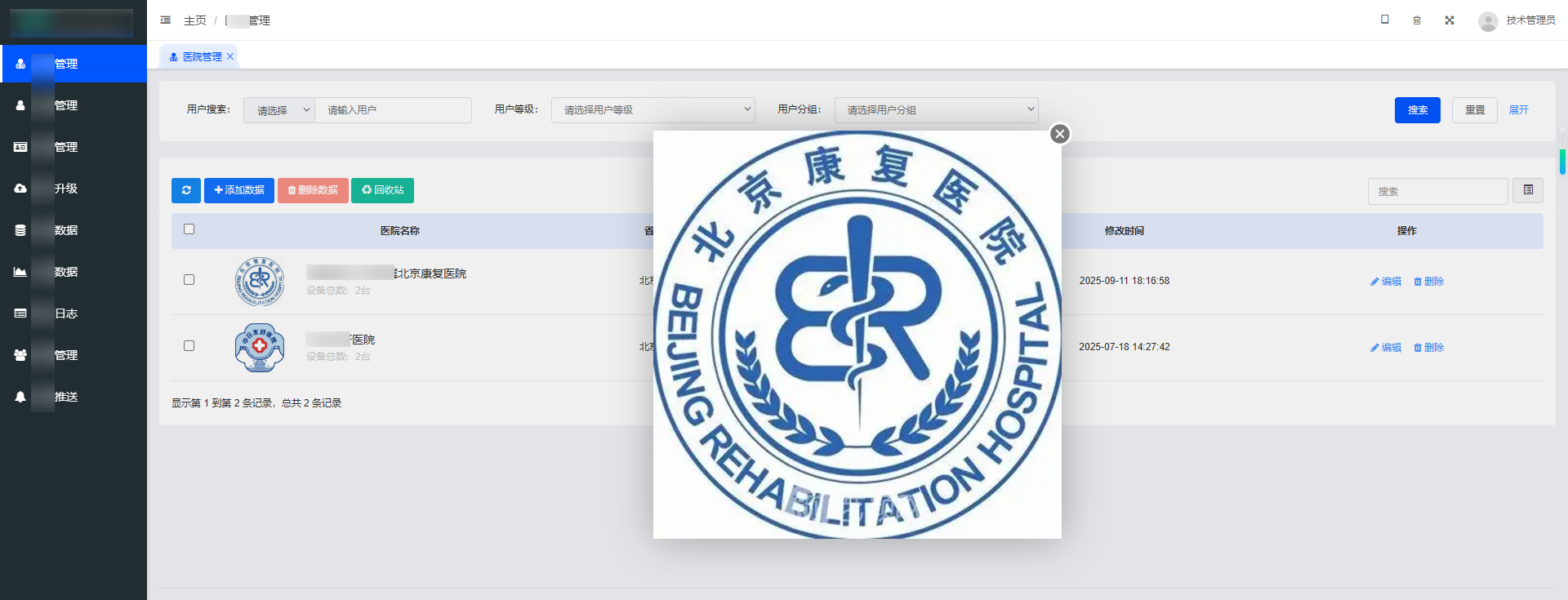
第二步:页面的img标签中添加 data-tips-image,点击时自动弹出图片预览
<img src="" data-tips-image alt="">
效果
优化版:
以上代码没法在自适应的弹框容器中显示,比如编辑或添加数据的容器宽高是400*400,如果没有定义图片宽度默认是500,显然是超过了父级容器宽度,这样图片就直接溢出容器宽度了,以下是自适应宽高
  /**
 * 计算图片在指定容器内的最佳显示尺寸(保持比例,并预留比例边距)
 * @param {number} imgWidth - 图片原始宽度
 * @param {number} imgHeight - 图片原始高度
 * @param {number} containerWidth - 容器宽度
 * @param {number} containerHeight - 容器高度
 * @param {number} [marginRatio=0.05] - 边距占容器宽度或高度的比例(默认5%)
 * @param {number} [minMargin=10] - 最小边距(px)
 * @returns {Object} 包含 width 和 height 的最佳尺寸
 */
function getFitImageSize(imgWidth, imgHeight, containerWidth, containerHeight, marginRatio = 0.2, minMargin = 20) {
    // 根据比例计算边距
    let padding = Math.min(containerWidth * marginRatio, containerHeight * marginRatio);

    // 确保最小边距
    padding = Math.max(padding, minMargin);

    // 减去边距,得到可用显示区域
    const availableWidth = containerWidth - 2 * padding;
    const availableHeight = containerHeight - 2 * padding;

    // 防止边距过大导致可用区域为负
    if (availableWidth <= 0 || availableHeight <= 0) {
        console.warn('边距过大,可用区域为负!');
        return { width: 0, height: 0 };
    }

    // 计算图片和可用区域的宽高比
    const imgRatio = imgWidth / imgHeight;
    const availableRatio = availableWidth / availableHeight;

    let width, height;

    if (imgRatio > availableRatio) {
        // 图片更“宽” → 按可用宽度缩放
        width = availableWidth;
        height = availableWidth / imgRatio;
    } else {
        // 图片更“高” → 按可用高度缩放
        height = availableHeight;
        width = availableHeight * imgRatio;
    }

    // 返回整数尺寸
    return {
        width: Math.round(width),
        height: Math.round(height),
        padding: Math.round(padding)
    };
}
    $('body').on('click', '[data-tips-image]', function () {
        var img = new Image();
        var imgWidth = this.getAttribute('data-width') || '500px';
        var htmlIn = this.closest('html');
        img.onload = function () {
            let size = getFitImageSize(this.naturalWidth, this.naturalHeight, htmlIn.offsetWidth, htmlIn.offsetHeight);
            var $content = $(img).appendTo('body').css({background: '#fff', width: size.width, height: size.height});
            Layer.open({
                type: 1, area: size.width, title: false, closeBtn: 1,
                skin: 'layui-layer-nobg', shadeClose: true, content: $content,
                end: function () {
                    $(img).remove();
                },
                success: function () {

                }
            });

        };
        img.onerror = function (e) {
            layer.msg('加载失败!')
        };
        img.src = this.getAttribute('data-tips-image') || this.src;
    });